Product Overview
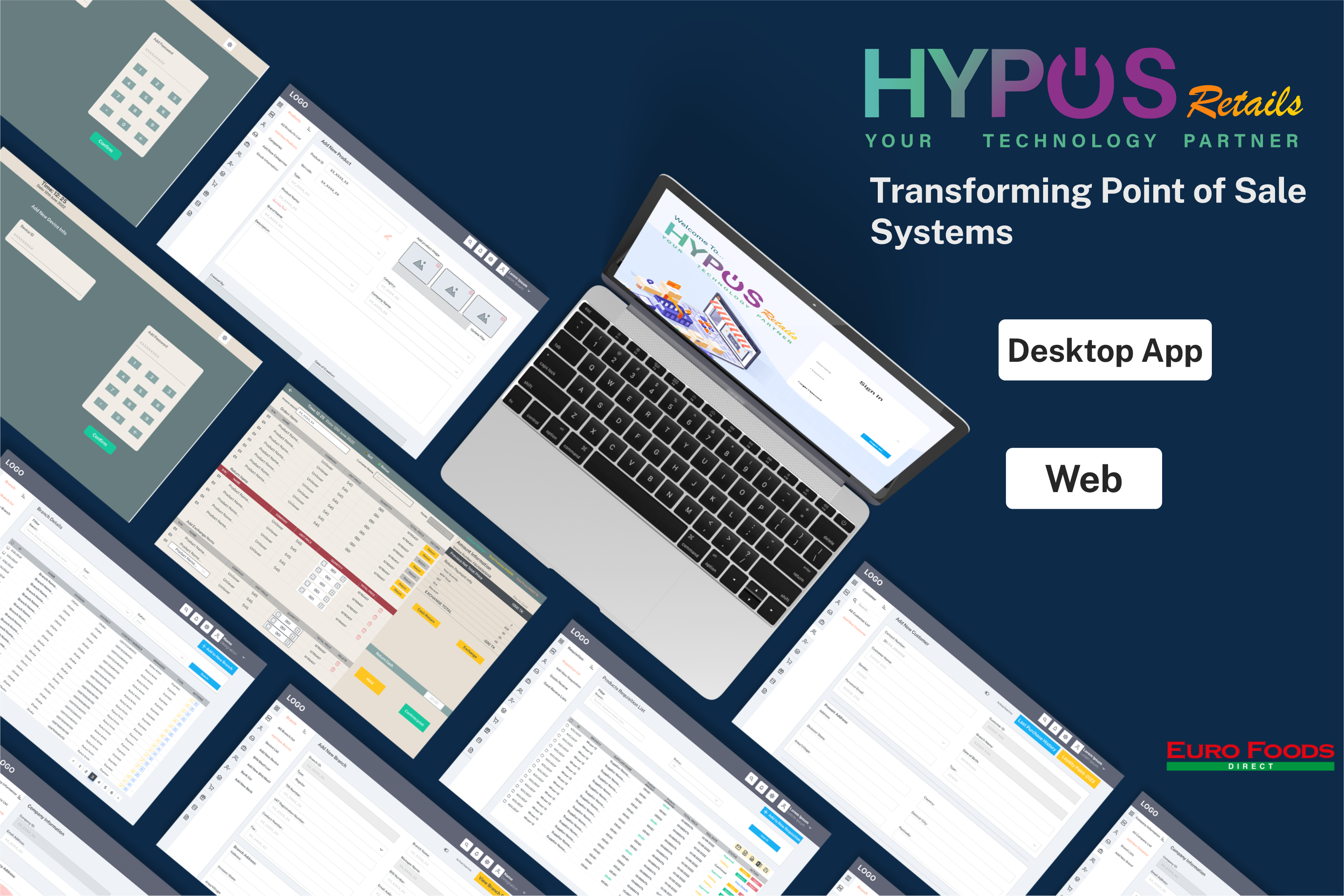
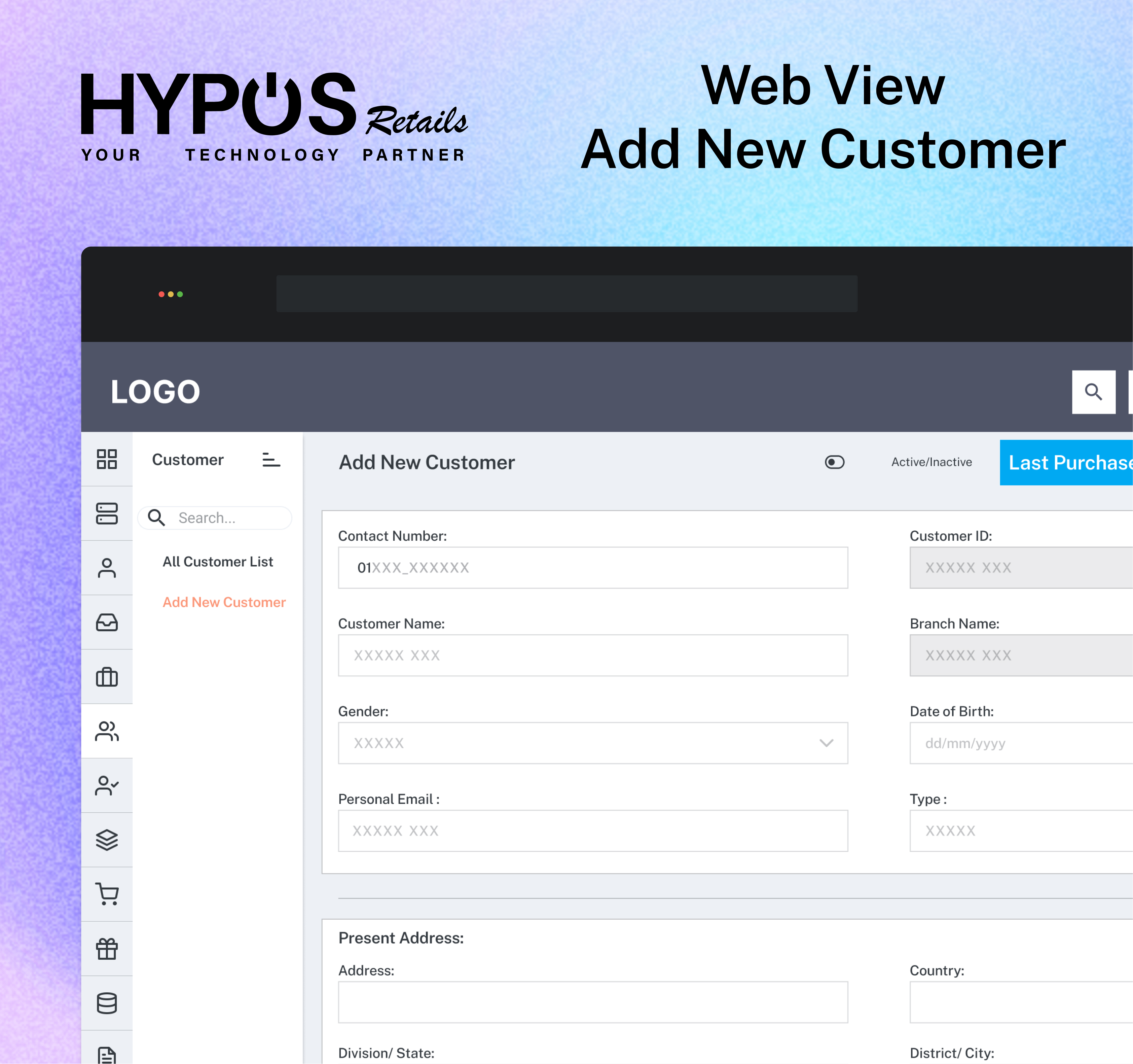
HYPOS, developed by EFG Tech, is a state-of-the-art Point of Sale (POS) system designed to streamline business operations and enhance customer service. With rich functionality and an easy-to-use interface, HYPOS offers both a Web version and a mobile version tailored to the needs of diverse businesses, including those in the retail and convenience store sectors.
Objectives
- Enhanced Functionality: Provide users with advanced accounting, inventory management, and reporting features.
- User-Friendly Interface: Deliver a modern and intuitive interface for seamless navigation.
- Versatility: Cater to the needs of various businesses, including those requiring quick touchscreen POS systems.
System Capabilities
Web Version
- Accounting: Manage accounts receivable, accounts payable, and general ledger.
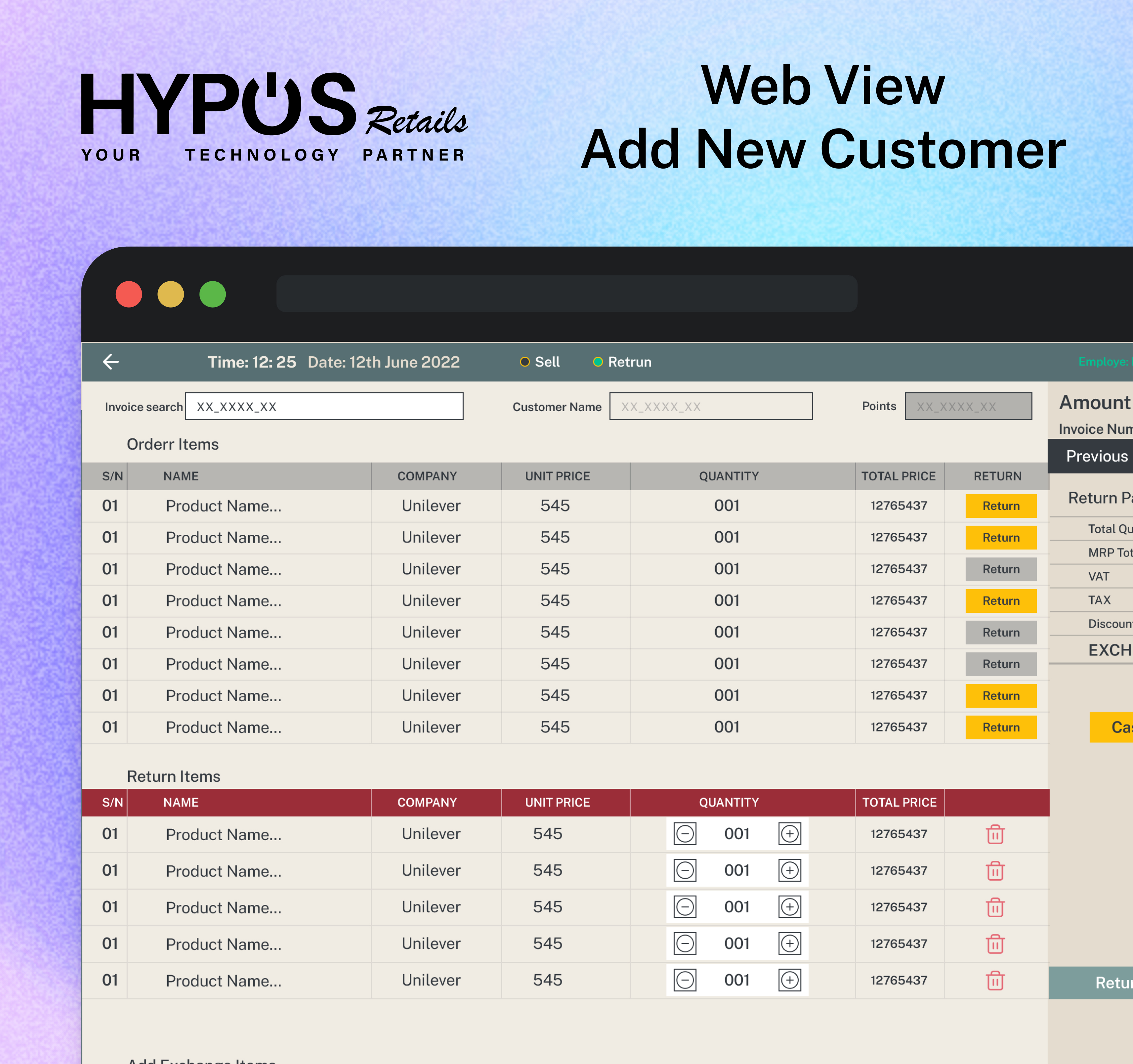
- Orders: Process customer orders and vendor orders.
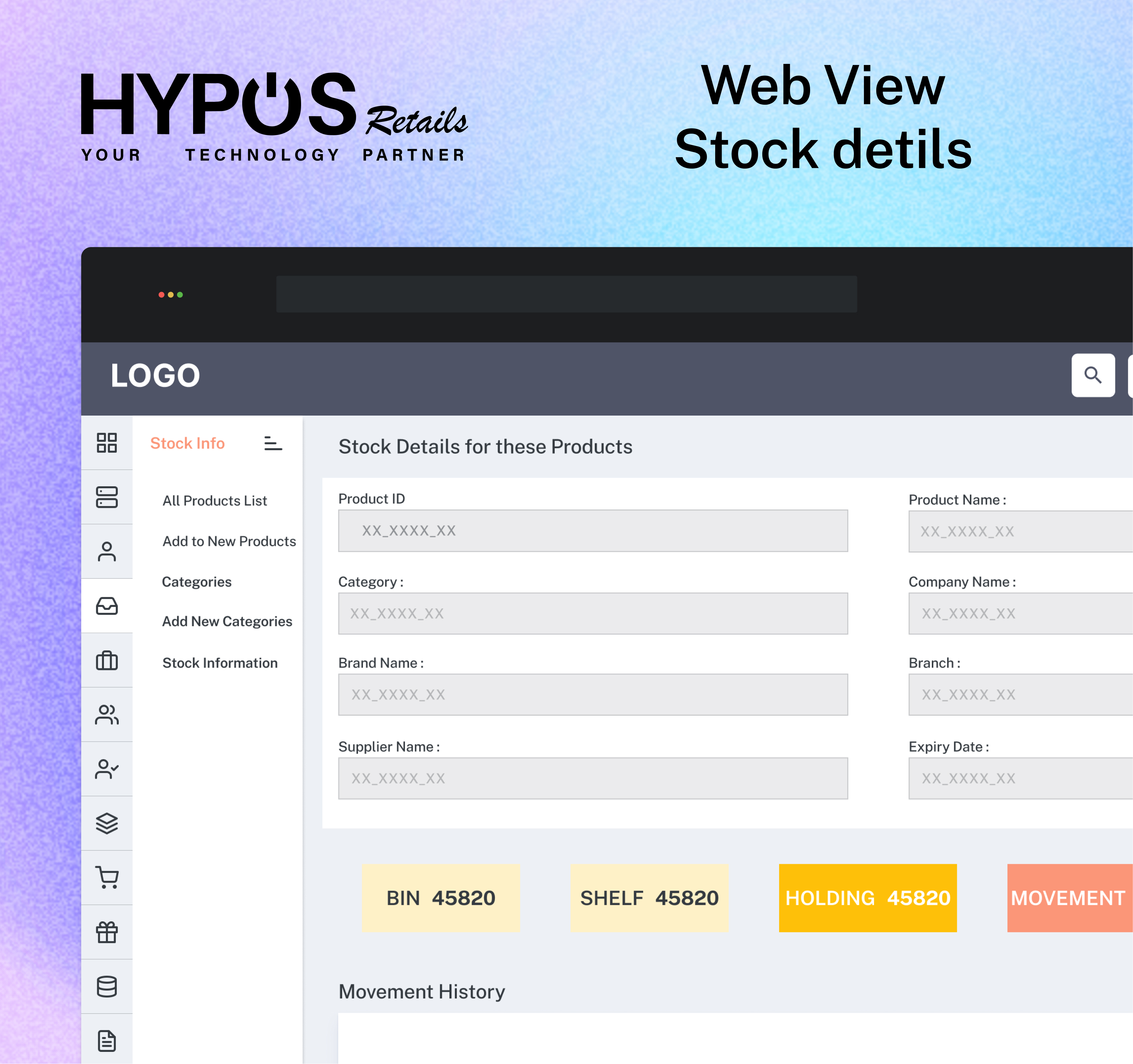
- Inventory Control: Track inventory levels and automate notifications for low stock.
- Data Management: Convert database files to spreadsheet formats, browse major database files, and import/export data easily.
- Security: Password-protect major modules for enhanced security.
- Reporting: Generate a variety of reports, including daily sales postings, monthly statements, and financial statements.
Mobile Version
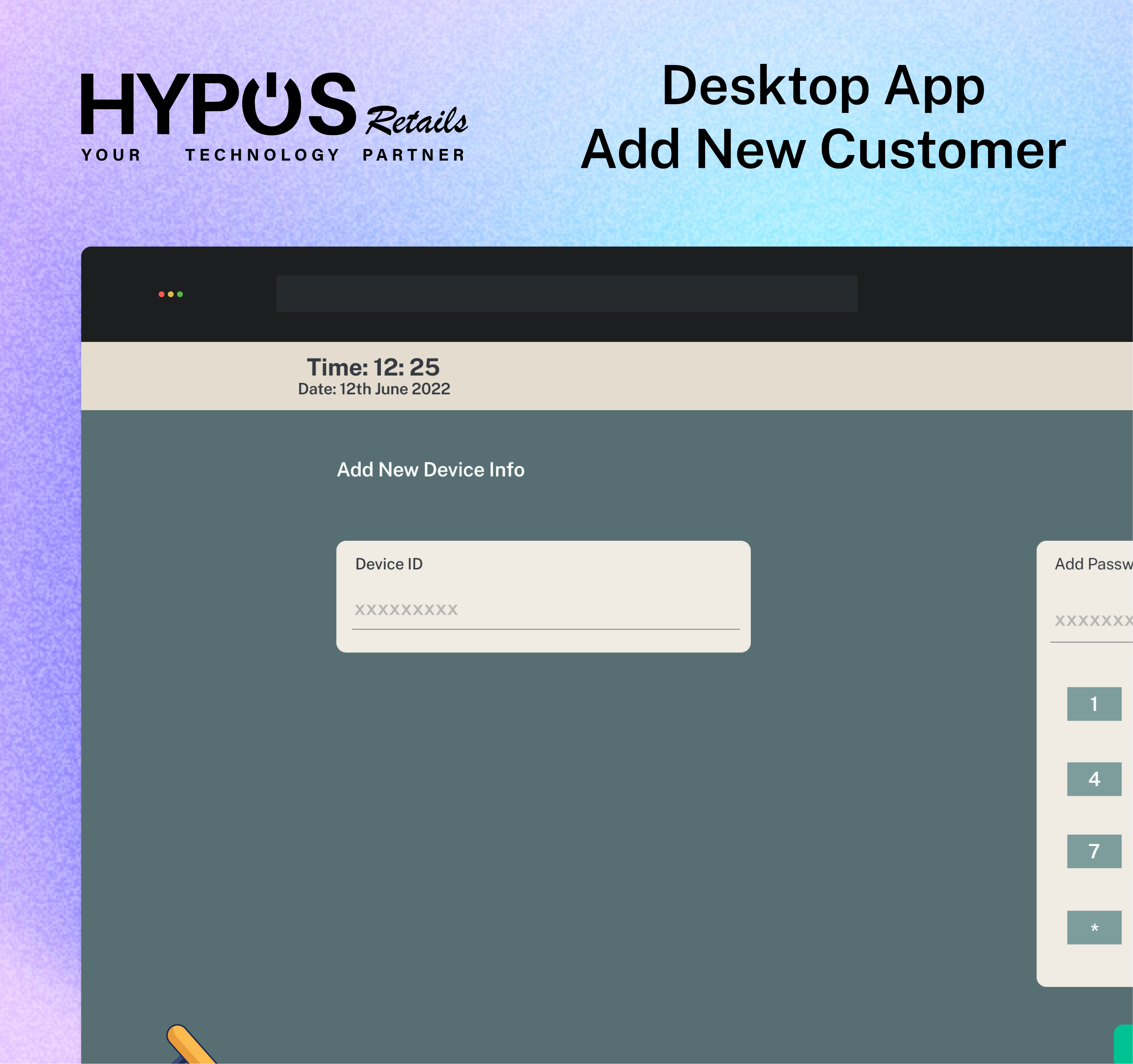
- Quick Touchscreen POS: Tailored for businesses needing a fast and efficient touchscreen POS system.
- Convenience Store Support: Specifically designed to meet the needs of convenience stores.
Operations and Functionality
Web Operations
- User Interface: Navigate the web version with ease for efficient business operations.
- Data Conversion: Convert database files to spreadsheet formats for seamless data management.
- Security Measures: Utilize password protection for critical modules.
- Financial Calculations: Leverage the system for financial calculations and comparisons.
Touch POS Setup
- Installation: Easy installation process for both Web and mobile versions.
- Configuration: Set up system preferences, including security measures and data import/export settings.
Touch POS Operations
- Order Processing: Streamline customer orders and vendor orders.
- Inventory Management: Track inventory levels and receive notifications for low stock.
- Reporting: Generate various reports, such as daily sales postings, financial statements, and inventory lists.
Scope of Document
This comprehensive document serves as a guide to navigate and optimize the HYPOS POS Management System. Topics covered include web and touch POS operations, system definitions, and setup procedures. Whether you are a business owner or an employee, this document aims to facilitate a smooth experience with HYPOS.
In the prototype Please use this password: Shakil